



Hi
Is it possible to introduce some “undo” features around Dentally. Some examples include:
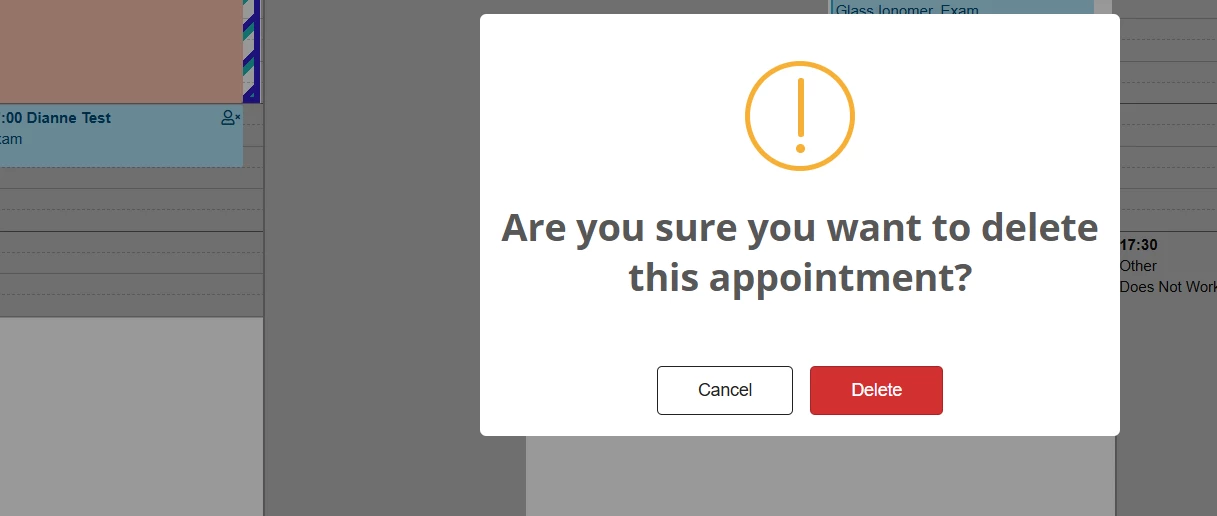
- Notification as per the below dialogue box - could we please have the details of the appointment that is being deleted i.e. name of patient, time of existing appointment, appointment type etc?
Rationale for this: In a hurry we might have right clicked and selected the wrong patient to delete so getting a visual confirmation by amending the text in the warning message will ensure we havent deleted the wrong person. Should be fairly straight forward to programatically do this.
- When dropping patients from the clipboard to the calendar, we might accidently let go too quickly and drop it on wrong clinician or lose it somewhere if we’ve forgotten the name (it happens when you’re dealing with lots of patients and working fast)
- Accidently moving existing patients on the calendar it gives a similar warning msg as above for #1 but maybe show what the action is doing i.e. moving from 10am to 10.15 to make it very clear