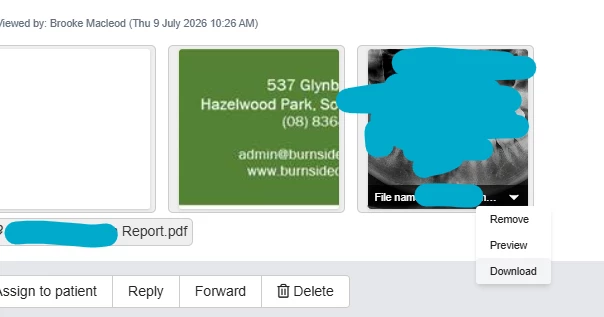


Hi! I have noticed there was an update with the way dentally displays images that are attached to emails. While it is nice having a thumbnail of the image displayed, it is now more tedious/difficult to download these images.
Previously, you could click on the image name and it would automatically download from dentally.
Now, you have to click on a teeny tiny little arrow on the bottom right hand side of the image thumbnail, select “download” or “preview” (since these options do the same thing), the image will then open in a new browser tab, and from there you will need to right click the image and save as.
Is there any way this can be circumvented or rectified? Even if the “download” option actually downloaded the image properly, the options are very small and it is easy to accidentally select the wrong thing from the drop down!